
Hyperautomation Governance: Who Owns What?
When an exception crosses teams, who owns the outcome and who can stop the workflow?
Patrick Chemoul, CEO of Dopweb
November 6, 2026
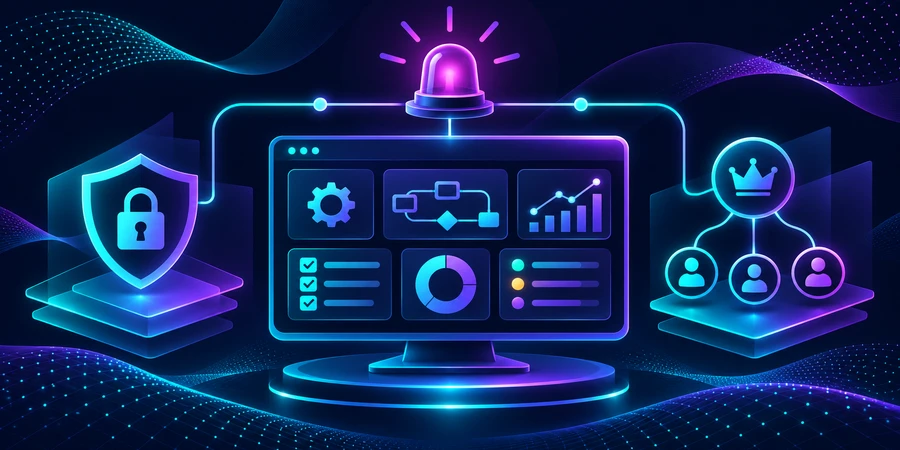
Hyperautomation governance assigns ownership for business outcomes, system access, and recovery. When multiple teams share a workflow, each exception needs a clear owner, and staff need to know who can stop an action. Those decisions belong in the systems, alerts, and release process.
Who owns an end-to-end process?
Assign an owner for the business outcome and owners for the steps and integrations. Sales may own approved terms, fulfillment may own shipment status, and billing may own invoice writes. The process owner decides what happens when those systems disagree and approves changes that affect the overall result. Record these decisions so a case does not stall because several teams assume another group owns it.
Which permissions should remain separate?
A person who can monitor a queue may not need authority to retry a billing write. A developer who can update a connector may not be the person who approves a commercial exception. Limit each workflow identity to the operations it needs. Document who can suspend an action and who verifies pending cases before restart. See our AI agent security guide for enforcing access at the tool boundary.
Example: shipping and billing disagree
Suppose a carrier marks an order delivered while the warehouse still has one package waiting. The workflow should flag the conflict, attach both references, and route it to a team that can verify the missing package. Customer service sees that the case is open. Billing can hold an action that depends on complete fulfillment. One status change should not silently create a customer commitment.
What should the alert tell the team?
Include the case ID, evidence, owner, and next action. Set a response window and a backup owner. If several cases are affected by the same outage, group the incident while preserving individual case history. Give staff a way to see which actions are safe to continue. Keep sensitive data in the approved systems rather than copying it into alerts.
What should you monitor?
In a simulated week, 250 cases enter the process, 24 need human recovery, and eight miss the recovery window. The eight represent one third of the exceptions. Track whether those cases had an owner and whether the handoff carried the information staff needed. Looking only at overall workflow completion can hide a recurring problem in one team’s queue.
250 cases in the week 24 cases needing recovery 8 recoveries past the target
In a separate incident drill, ten writes are confirmed, five failed, and three have unknown outcomes. Inspect the three before retrying any action. Check whether the approval is still valid and whether staff already resolved the case manually. Confirmed writes should remain untouched.
10 confirmed writes 5 failed writes 3 unknown outcomes
How do you rehearse a shutdown and recovery?
Disable one action in a test environment while keeping intake available. Ask someone who did not build the workflow to find pending cases and check completed actions. Before restart, reconcile the queue against the source of record. Compare the result with the runbook and correct any missing steps. IBM’s overview gives context on the integration of automation technologies across a business.
How do you govern changes after rollout?
Maintain an inventory of rules, connectors, and the teams that depend on them. When a threshold changes, ask the process owner to approve it and replay one case that should pass and one that should stop. If a connector changes a shared action, test every affected path. Record who verified the change and how to restore the previous behavior.
What happens if the owner is unavailable?
Name a backup and verify that the backup can inspect cases and pause the right action. Rehearse a shift handoff where the replacement needs to explain which actions are stopped, which cases remain open, and which team is responsible. Limit temporary access and keep an audit record so privileges do not remain after the incident.
How can you tell whether governance works?
Test a cross-team incident and a problem that should stay within one queue. Confirm that the first reaches the process owner and the second does not generate unnecessary escalation. Review time to ownership, duplicate actions, and cases with no assigned responder. Adjust the routing or ownership rules before adding more alerts.
What belongs in an operational register?
For each process, list the owner, systems, allowed actions, and shutdown procedure. Link incidents to the active rule version. When an API changes or credentials are revoked, the register should help staff identify which workflows and cases are affected. Keep it simple enough for teams to update as part of a release.
How should teams practice a cross-functional recovery?
Choose a scenario where one team completed its action but the next team never received the result. Ask the first team to show the evidence, the second to check the target state, and the process owner to decide whether replay is safe. Track how long it takes to assign the case and identify the next action. Measure resolution separately.
What should change after an incident?
Compare what the process should have done, what happened, and how long ownership was unclear. Turn the failure into a regression case and update the runbook. If an alert went to the wrong team, fix the routing rule before adding more alerts.
The hyperautomation guide explains how this part fits into an end-to-end process. For related decisions, see how to recover a failed orchestration step and how to plan the next rollout wave.
How Dopweb builds operational governance
We map ownership, access, and exceptions with your team, then implement those decisions in the workflow and integrations. We test suspension and recovery, document the approval path, and track model inputs and retries where relevant. After rollout, we can review access changes and test new use cases before they affect shared systems. Explore AI Agents & Workflow Automation.
About the author — Patrick Chemoul, CEO of Dopweb
Patrick Chemoul leads Dopweb, an agency helping businesses with websites, software, and automation. The agency also provides AI agent integration and team training. Learn about Dopweb.
Frequently Asked Questions
Who owns the overall outcome?
A business process owner. Individual systems and queues also need operational owners.
What belongs in an alert?
Include the case ID, evidence, owner, and next action.
How do you pause a workflow safely?
Disable the affected action while preserving intake and case history. Reconcile pending cases before restarting.
What should you review after an incident?
Review ownership, case state, and recovery. Turn the observed failure into a regression test.
Let’s Talk About Your Project
Tell us which process crosses systems or teams. We’ll help identify a first result and the controls it needs.